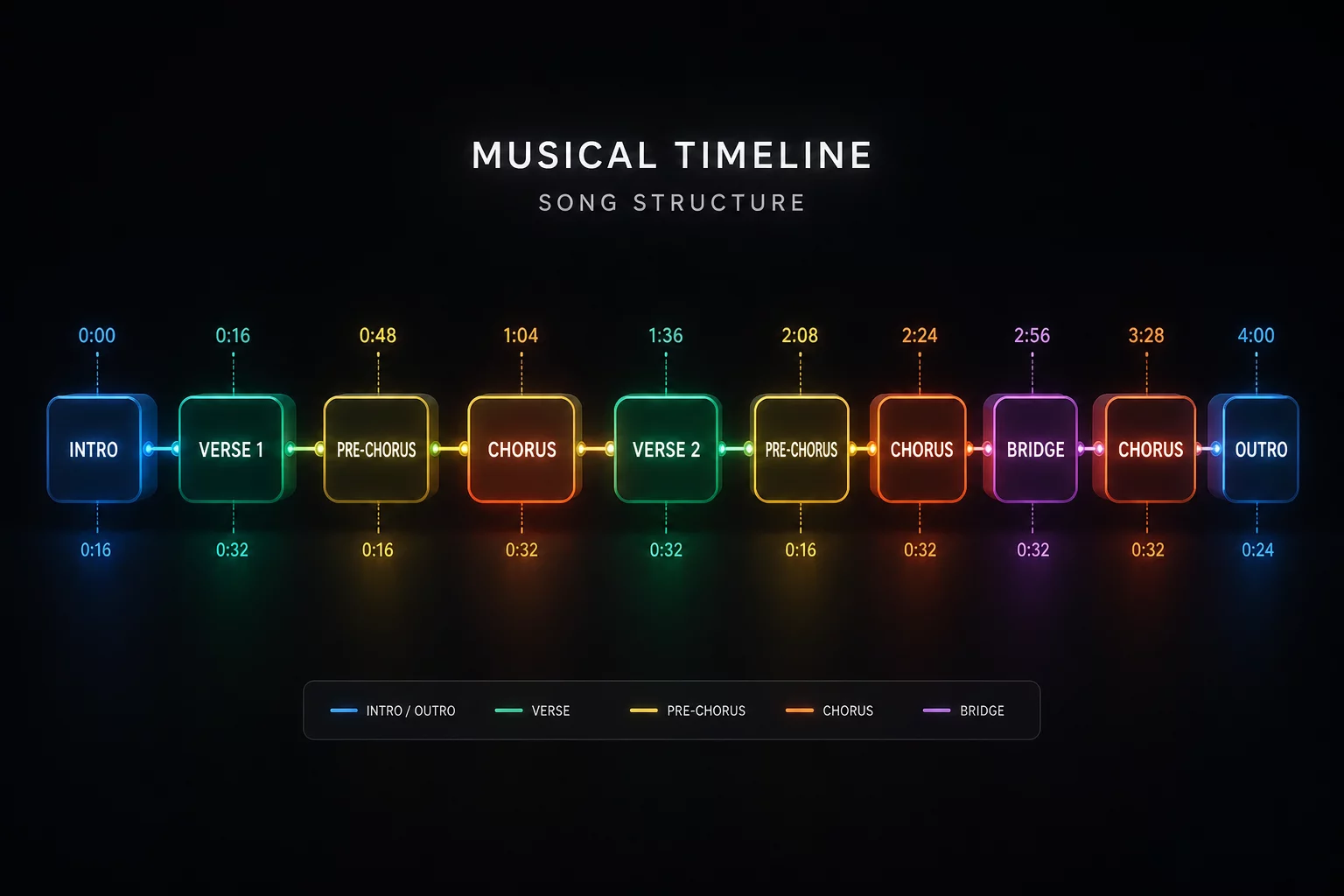
Turn brief 4-bar and 8-bar track beginnings into seamless blending corridors through deliberate Serato saved loops and surgical phrase alignment.
Modern club records frequently abandon extended DJ-friendly intros in favor of immediate vocal drops or early hooks. When a song brings its lead vocal in after merely four bars, blending it over an active outgoing rhythm risks frequency mud and lyrical clashes. Strategic DJ loop planning fixes this issue by isolating the clean percussive beats prior to the vocal entry and locking them into repeatable building blocks.
By catching an eight-bar drum pattern before secondary melodies begin, you effectively build an unhurried runway. That added time lets you stabilize tempo grids, balance low-end EQ balance across both channels, and time the incoming downbeat with pinpoint musical precision instead of scrambling through a hasty cut.
Always anchor the in-point of your intro loop exactly on bar 1 beat 1 of the phrase. If the rhythm contains syncopated percussion or pick-up notes, let the loop roll through the full 8 bars before releasing so the natural arrangement resumes right on the phrase marker.
A properly staged intro expansion eliminates the stress of rushing through high-pass sweeps. Instead of compromising on an abrupt hard cut, you sculpt a steady transition that honors the musical momentum of the room.
Catching loops manually on hardware pads during a rapid set invites human timing imperfections. A slight delay in pressing an auto-loop pad can cause a momentary hiccup in groove perception. Serato saved loops solve this operational vulnerability by letting you verify transient boundaries and lock loop regions permanently inside library metadata before reaching the stage.
Turn on the loop active state in Serato DJ Pro slot 1 so the software engages the loop automatically the moment the track lands on the deck.
Listen closely to the out-point marker. Ensure open hi-hat decays and crash tails end naturally to avoid jarring clicks during playback loops.
Once saved loops become second nature in your library management workflow, loading high-energy tracks becomes effortless. You know precisely how many bars of percussion you have available long before the lead synthesizer enters.
Holding an extended loop too long can drain dance floor energy and turn a punchy intro into predictable background rumble. The secret to an authentic extension lies in phrasing. When counting bars, treat every repetition of your 8-bar loop as a conscious musical increment toward the incoming chorus or verse.
Disengage the loop pad exactly on beat 1 of the outgoing track's final 16-bar phrase. This allows the newly revealed song structure to take flight as the previous track fades smoothly into silence.